Independent guide · Payments
How to identify unfamiliar merchant descriptors on your card statement before disputing
Practical, evidence-based steps to decode truncated or odd-looking merchant names on card statements, use issuer tools, and preserve your dispute rights under FTC/FCBA timelines.
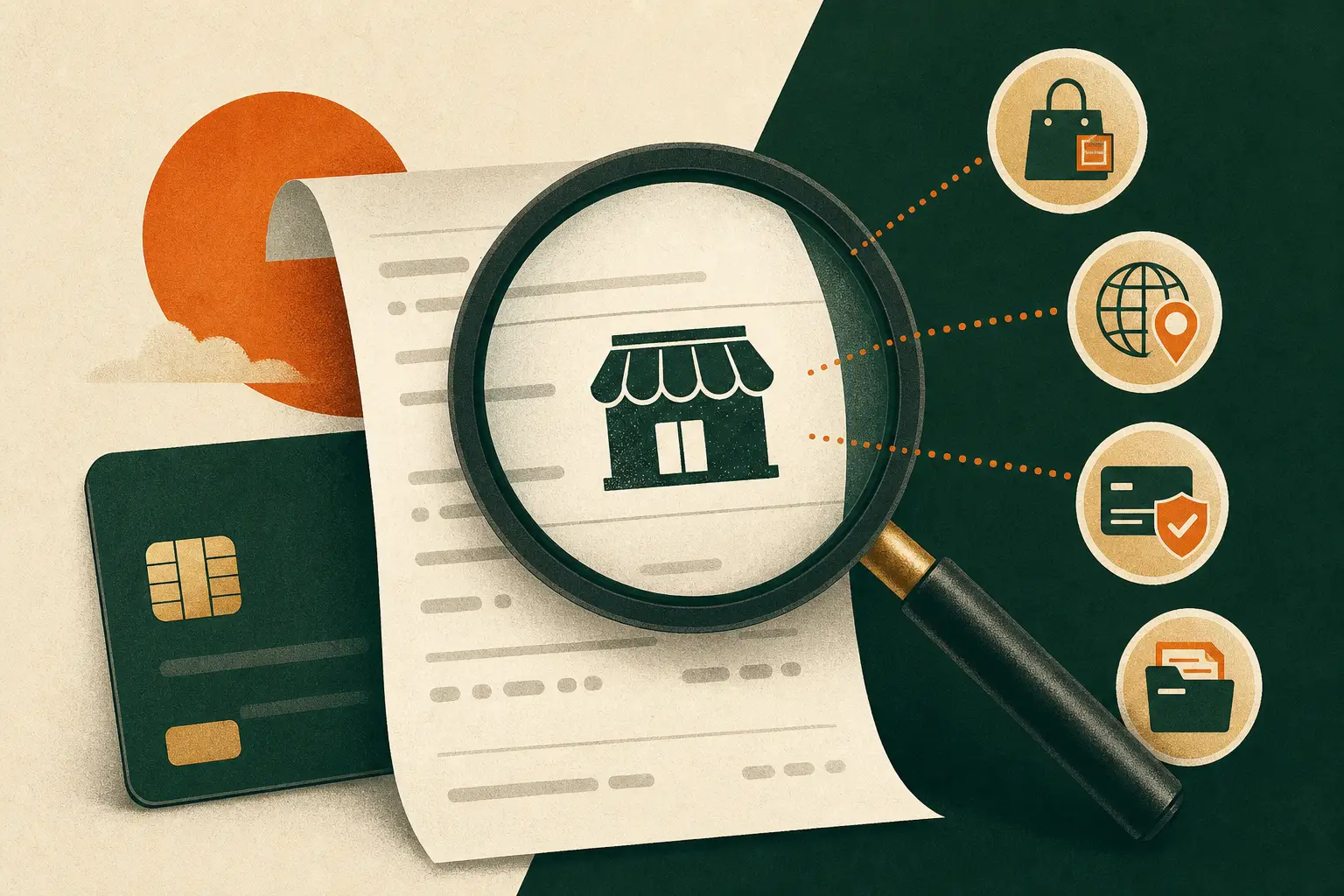
Merchant descriptors are set by card-network rules and often truncated or routed through processors/marketplaces; use issuer apps, exact-text searches, phone lookups and issuer inquiries before filing a dispute — and notify your issuer promptly if you suspect fraud (FTC 60‑day rule).
Why merchant descriptors can look unfamiliar
Card statement descriptors are fields sent by the merchant's acquirer/processor under card‑network rules. Networks (Visa, Mastercard) require a recognizable merchant/trading name but also allow supplemental data (order number, installment info) and have character limits that cause truncation or abbreviations.
That means you will often see parent-company names, processor identifiers, marketplace billing lines, city/state tokens, or shortened names. The network manuals and implementation notes explain permitted tokens and length limits — which is why many unfamiliar strings are legitimate billing artifacts rather than fraud.
- Descriptors follow network standards and may include supplementary info (Visa Merchant Data Standards).
- Truncation and abbreviations are common due to character limits (Mastercard/Visa implementation notes).
Stepwise checks before you dispute
Start with what you and your issuer can see: the full statement line, any merchant city or phone number, and the issuer app’s expanded view. Issuer apps sometimes use network merchant‑search/enrichment services to show logos or the full trading name.
If the app doesn’t clarify the charge, copy the exact descriptor string (including punctuation and numbers) and search it in quotes on the web; search the phone number or city; visit any likely merchant website. If you find a matching merchant, call them for order details before filing a dispute.
- Check issuer app for expanded descriptor or logo (Visa/Merchant Search).
- Search the exact descriptor string and any phone or city tokens on the web.
Calling the merchant vs contacting your issuer
If you can identify a phone number or merchant site, calling the merchant may resolve the question quickly — they can confirm order references and whether the merchant billed under a parent or processor name. Network guidance encourages merchants to use recognizable names to reduce disputes.
If web/phone checks fail, contact your card issuer. Issuers can request settlement metadata from the acquirer (merchant ID, acquirer name, MCC) and — if you suspect fraud — can flag the transaction and start an investigation on your behalf.
- Merchants can often explain billing names and provide order reference numbers.
- Issuers have access to settlement records not available to consumers and can request merchant metadata.
When to start a dispute and legal timing
If you cannot identify the charge or believe it is unauthorized, notify your issuer promptly. FTC guidance and the Fair Credit Billing Act procedures require timely notice — for many disputes you should contact your issuer within 60 days of the first statement showing the charge to preserve certain rights.
Keep records of your searches and calls, note the date of the first statement containing the charge, and use your issuer’s dispute channels. The FTC offers sample dispute letters and procedural guidance you can adapt when contacting the issuer.
- FTC sample dispute guidance recommends notifying the issuer and shows required details; preserve the 60‑day timeline.
- Document all steps: copies of searches, call logs, and dates of statements.
Practical checklist
- Copy the exact descriptor string (including punctuation and phone-like numbers).
- Check your issuer app for expanded merchant info, logo, or transaction details.
- Search the exact string and any phone/city tokens on the web and the merchant’s site.
- Call the phone number or merchant if identifiable; ask for order/reference details.
- Contact your issuer and ask them to request merchant settlement metadata if unresolved.
- If you suspect unauthorized use, notify the issuer immediately and preserve the 60‑day window.
Sources and further reading
Fact-checked: . External sources open in a new tab.
- Sample Letter for Disputing Credit and Debit Card ChargesFederal Trade Commission (consumer.ftc.gov)
- Visa Merchant Data Standards ManualVisa
- Chargeback GuideMastercard