Independent guide · Crypto
Disconnecting a dApp is not revoking ERC‑20 allowances: how to check and revoke
A clear, practical guide for self‑custody Ethereum ERC‑20 users explaining why disconnecting a wallet doesn’t remove on‑chain token approvals and how to check and revoke allowances safely.
Why this matters
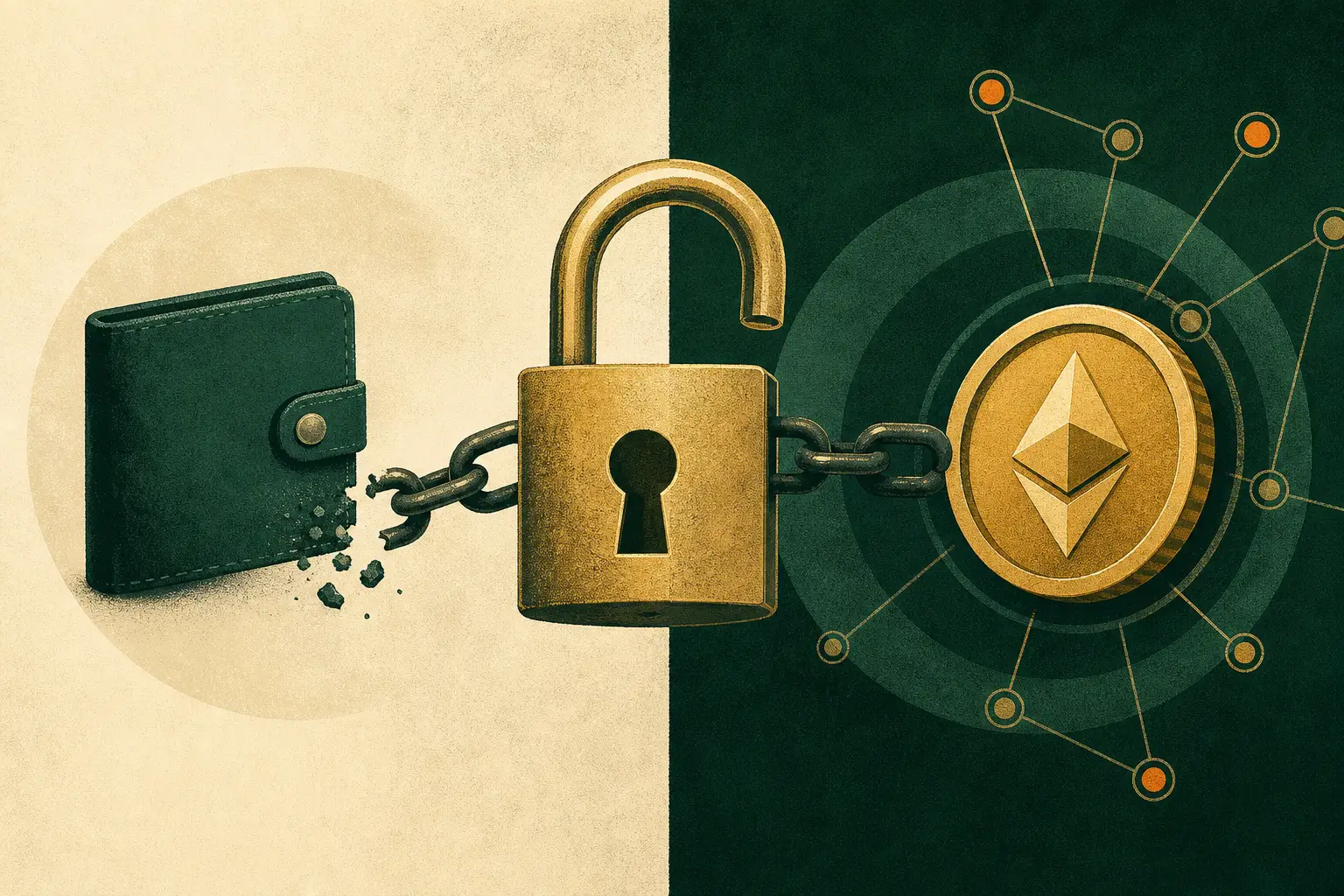
Disconnecting a wallet from a website only ends the browser session; to remove an ERC‑20 allowance you must submit an on‑chain approve(...) transaction (usually approve(spender, 0)) and wait for confirmation.
Why disconnecting a dApp doesn’t remove on‑chain ERC‑20 allowances
Connecting a dApp gives the website a browser‑level session and, if you signed it earlier, leaves an on‑chain approval recorded in the token contract. Disconnecting only ends the browser session and removes the site’s UI access to your wallet address; it does not alter the token contract’s stored allowance mapping.
ERC‑20 allowances are stored as owner → spender → uint256 on the token contract. A previous approve(spender, amount) updated that contract state on‑chain; to change it you must send another on‑chain transaction. This is a protocol behavior, not a wallet UI shortcut.
- Disconnect = end browser session and UI access only.
- On‑chain approve transactions persist until a new transaction updates the token contract.
How to find the network, token contract, spender and current allowance
First, confirm the blockchain network in your wallet (e.g., Ethereum Mainnet vs Polygon). Checking approvals on the wrong chain can hide or show unrelated contracts. Wallet providers and ethereum.org stress verifying the selected network before making changes.
Use Etherscan’s Token Approval Checker (Ethereum mainnet) or Revoke.cash (multi‑chain) and paste only your public address. The tool lists token contract, the spender contract address, a human label if available, and the numeric allowance (or “Unlimited”). If a spender name looks unfamiliar, open the spender address in Etherscan to inspect contract details and recent activity.
- Confirm wallet network matches the token’s chain.
- Paste only your public address into a token approval checker (no private keys).
- Cross‑check spender contracts on Etherscan for verification and recent transactions.
Submitting a revocation transaction and paying gas
To revoke you typically call approve(spender, 0) on the token contract. Wallets and revocation UIs will prepare and ABI‑encode this transaction for you; you don’t need to write calldata manually. MetaMask and Revoke.cash explain that the wallet sends the approve transaction from your address to the token contract.
Revocation costs gas paid in the chain’s native token (e.g., ETH). Gas depends on network conditions; an ERC‑20 approve is usually a modest write transaction (wallet displays estimated gas limit and fee). After you confirm the wallet prompt, wait for the transaction to be mined and confirmed. Tools and wallets show transaction status and receipts.
- Typical action: approve(spender, 0) — wallet handles encoding.
- You pay gas in the native token; estimate shown by wallet.
- Wait for the transaction to be mined and confirmed before trusting the change.
Verifying the result and understanding limitations
After the transaction confirms, re‑query the allowance on the same approval checker or use Etherscan’s Read Contract function to call allowance(owner, spender). The token contract’s state is authoritative — ensure the numeric value is 0 (or the amount you set).
Revocation does not undo or recover transfers already executed under a previous allowance and it does not fix an exposed seed phrase or private key. If your seed phrase was compromised, the correct remediation is to move remaining funds to a new wallet you control. Also note that this guide covers only classic ERC‑20 approve/allowance; Permit2, off‑chain signatures or NFT approvals are out of scope and require different handling.
- Verify allowance via Etherscan Read Contract or refresh Revoke.cash.
- Revoking prevents future transferFrom() above the new allowance but does not reverse past transfers.
- If keys are exposed, move assets to a new wallet — revocation alone is not sufficient.
Practical checklist
- Confirm your wallet network matches the token’s chain (e.g., Ethereum Mainnet).
- Open Etherscan Token Approval Checker or Revoke.cash and paste your public address.
- Locate the token contract, spender address and the current allowance; cross‑check the spender on Etherscan.
- Choose revoke (set allowance to 0) or set a smaller specific allowance, then confirm the wallet transaction and gas fee.
- Wait for the transaction to be mined, then verify allowance(owner, spender) is 0 via Etherscan Read Contract or the approval checker.
- If your seed phrase was exposed, move funds to a new wallet — do not rely on revocation alone.
Sources and further reading
Fact-checked: . External sources open in a new tab.